Every bit of Arc.
Nothing leaves your Mac.
A native Mac browser with Arc's sidebar, Spaces, Peek and Split View. No account, no telemetry, and no AI unless you turn it on.
Private alpha for Apple Silicon Macs on macOS 13 or later.
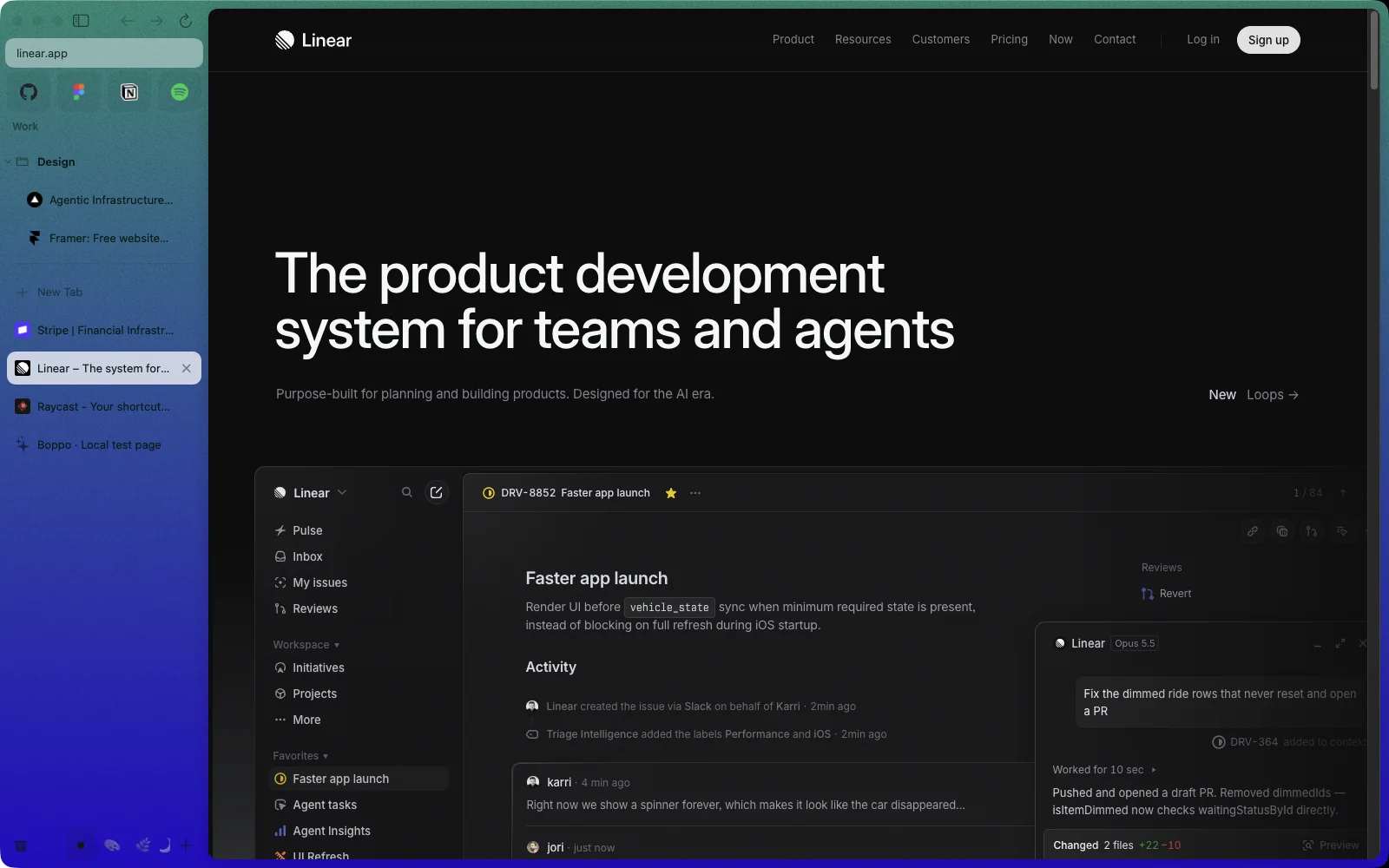
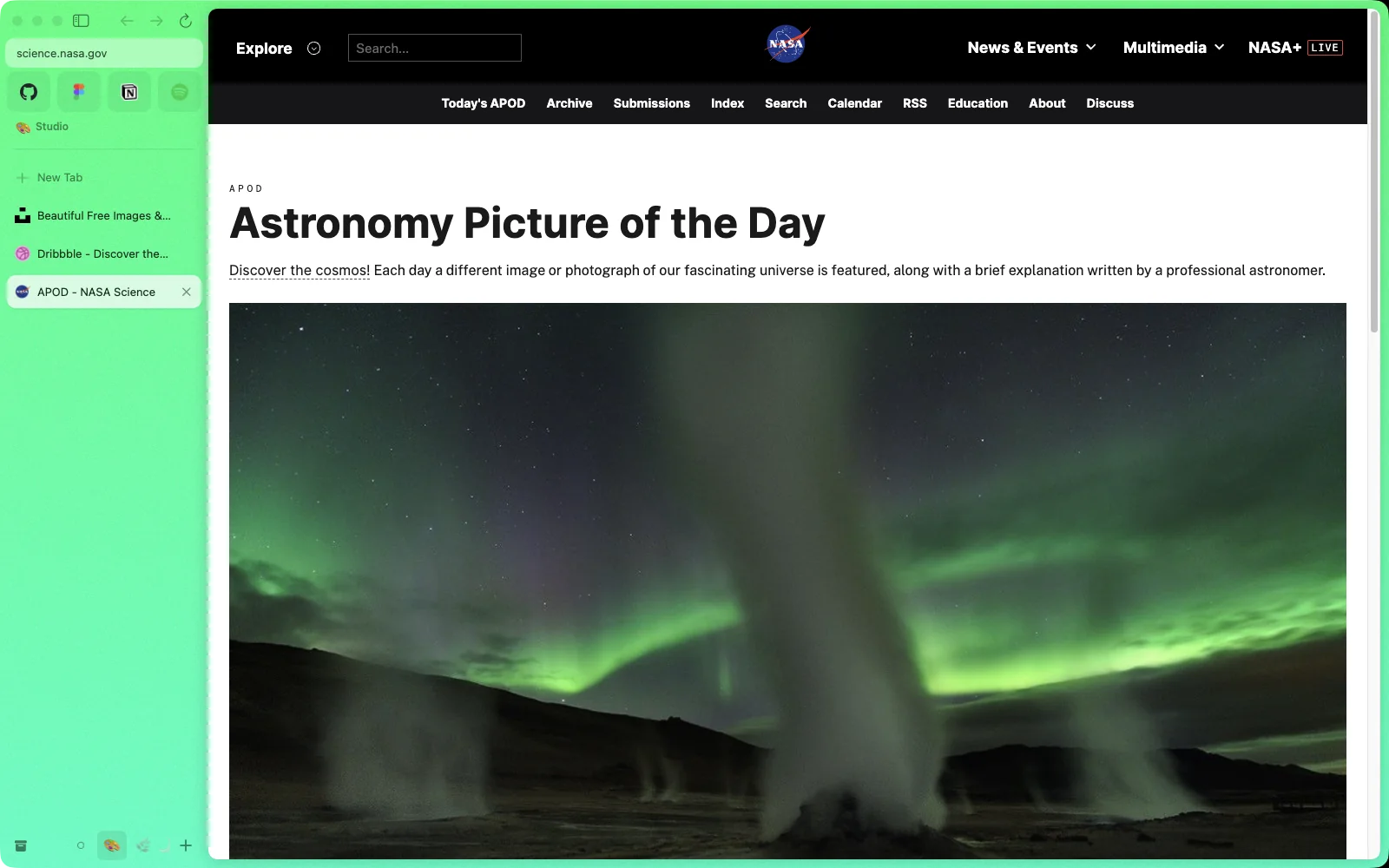
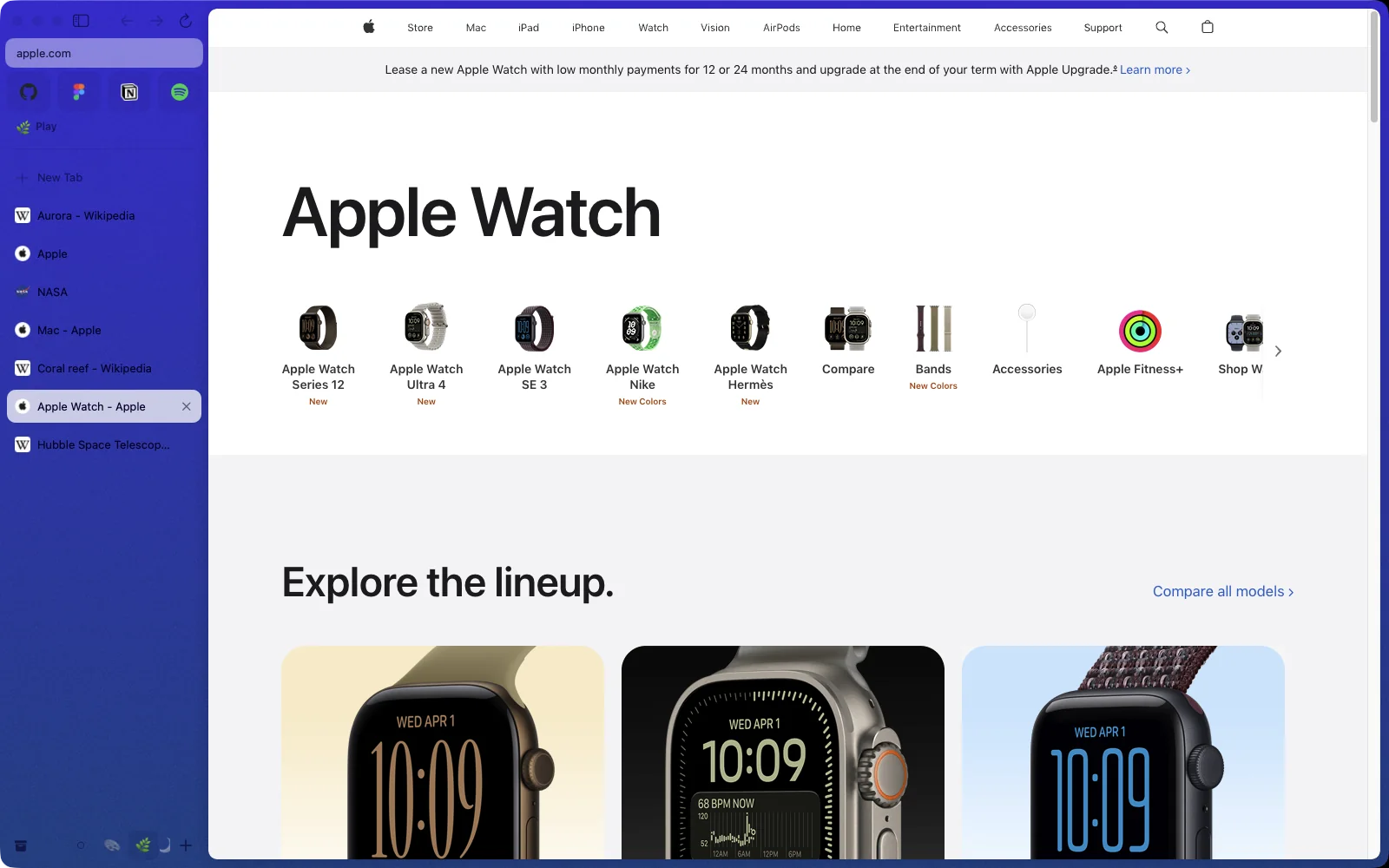
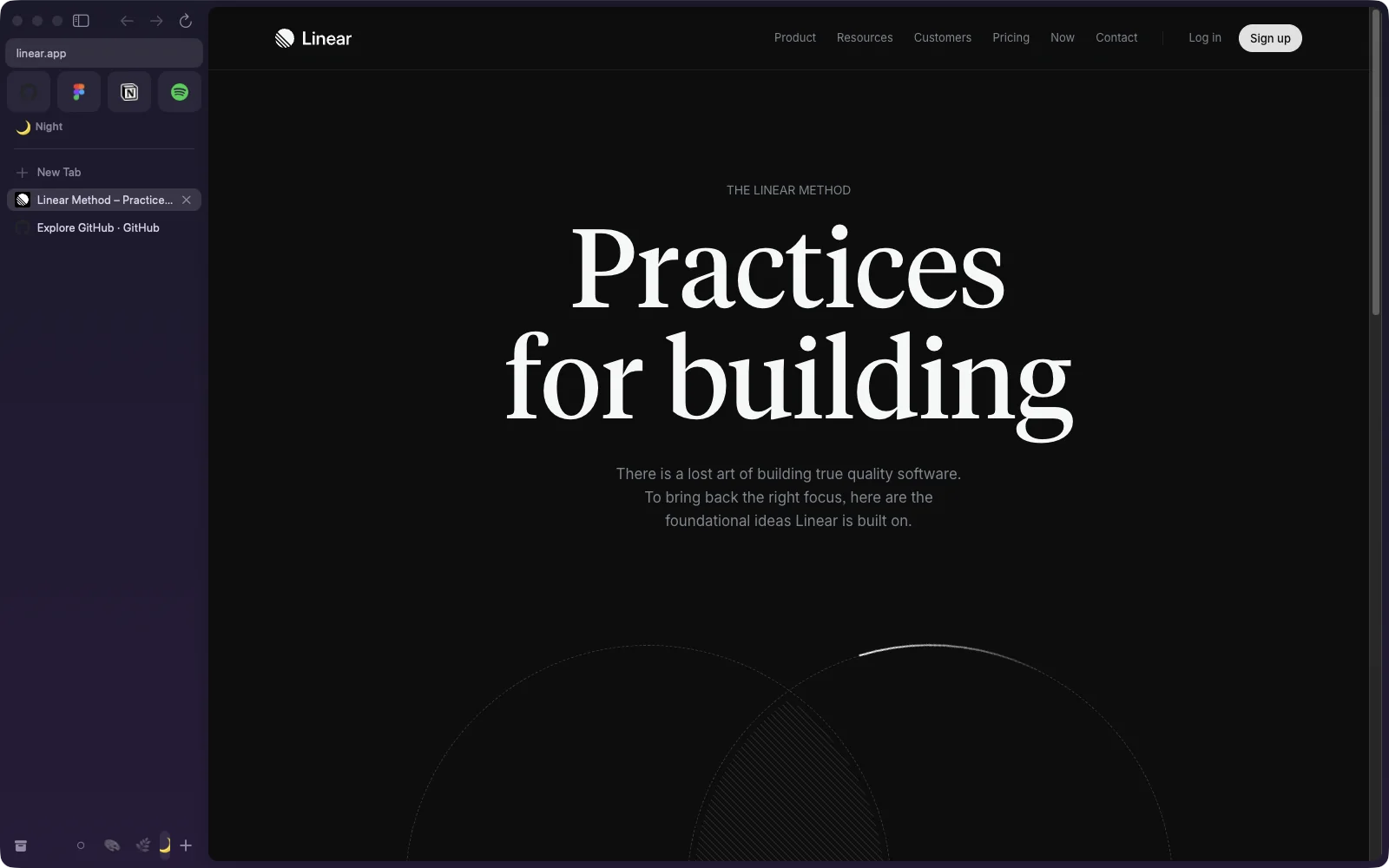
Spaces that feel like rooms.
Each Space has its own tabs, colors and profile, so work sign-ins never meet weekend ones. Keep scrolling: this page is switching Spaces right now.
Work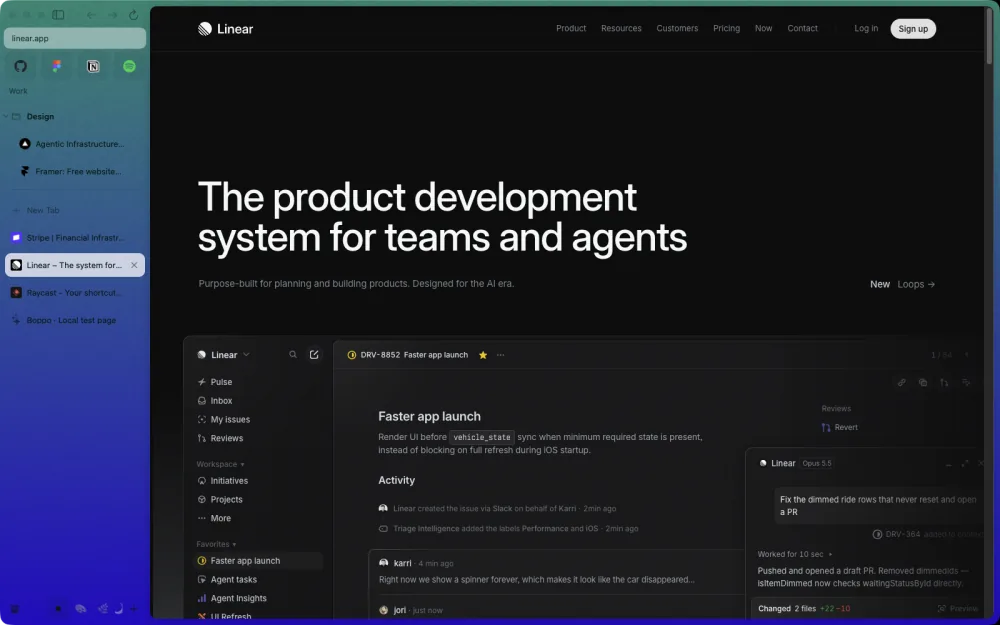
Studio, for the things you make.
Studio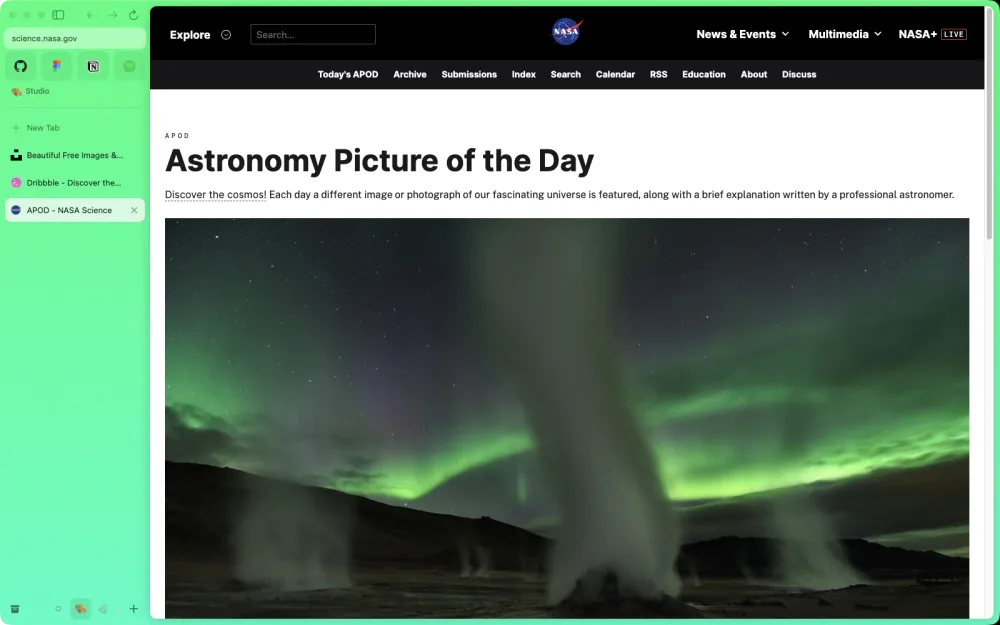
Play, for the weekend.
Play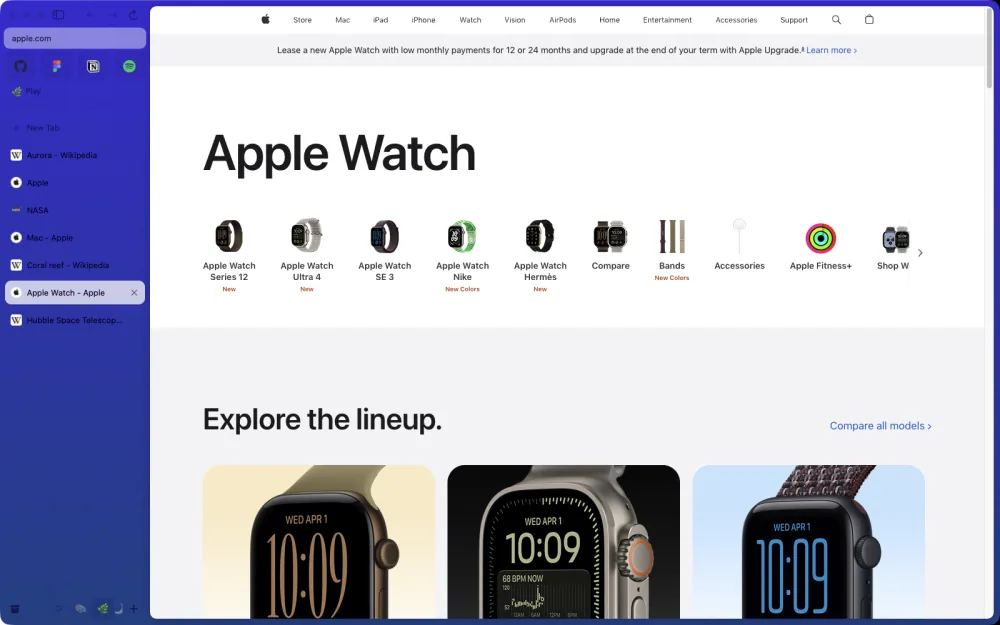
Night, when the room goes dark. Two fingers swipe between them all.
Night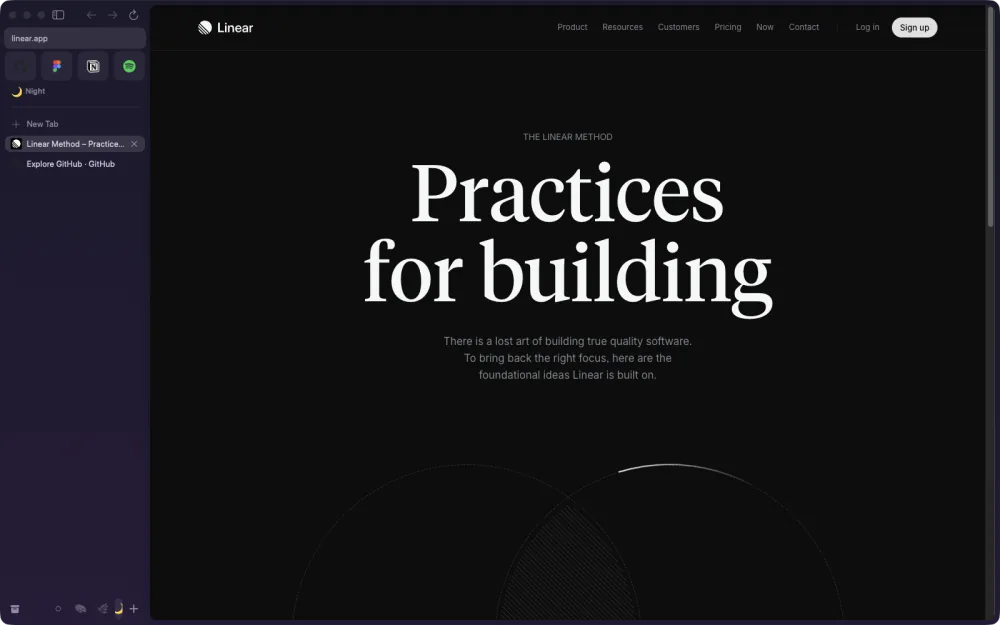
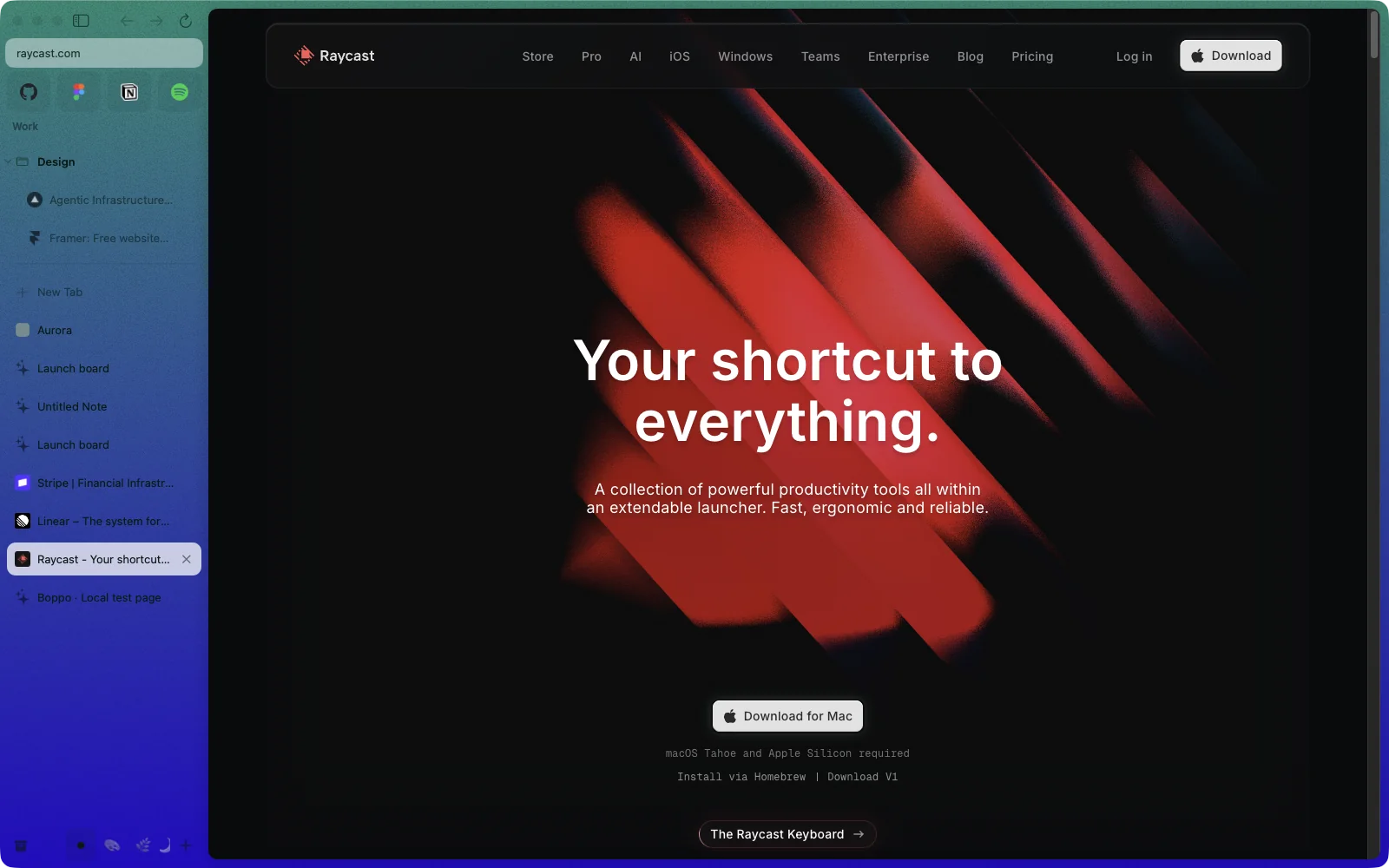
The sidebar you know by heart.
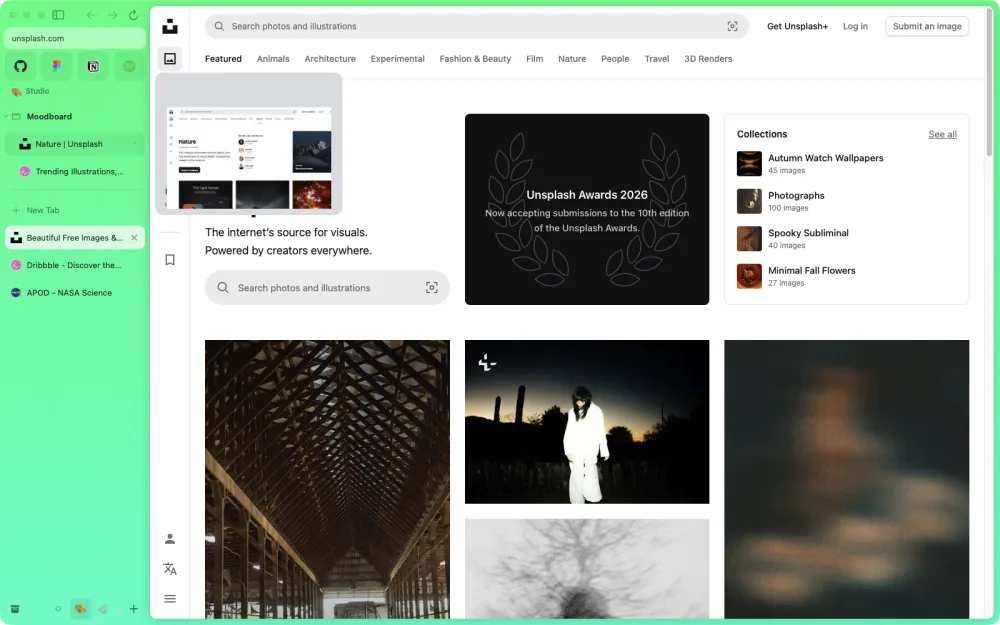
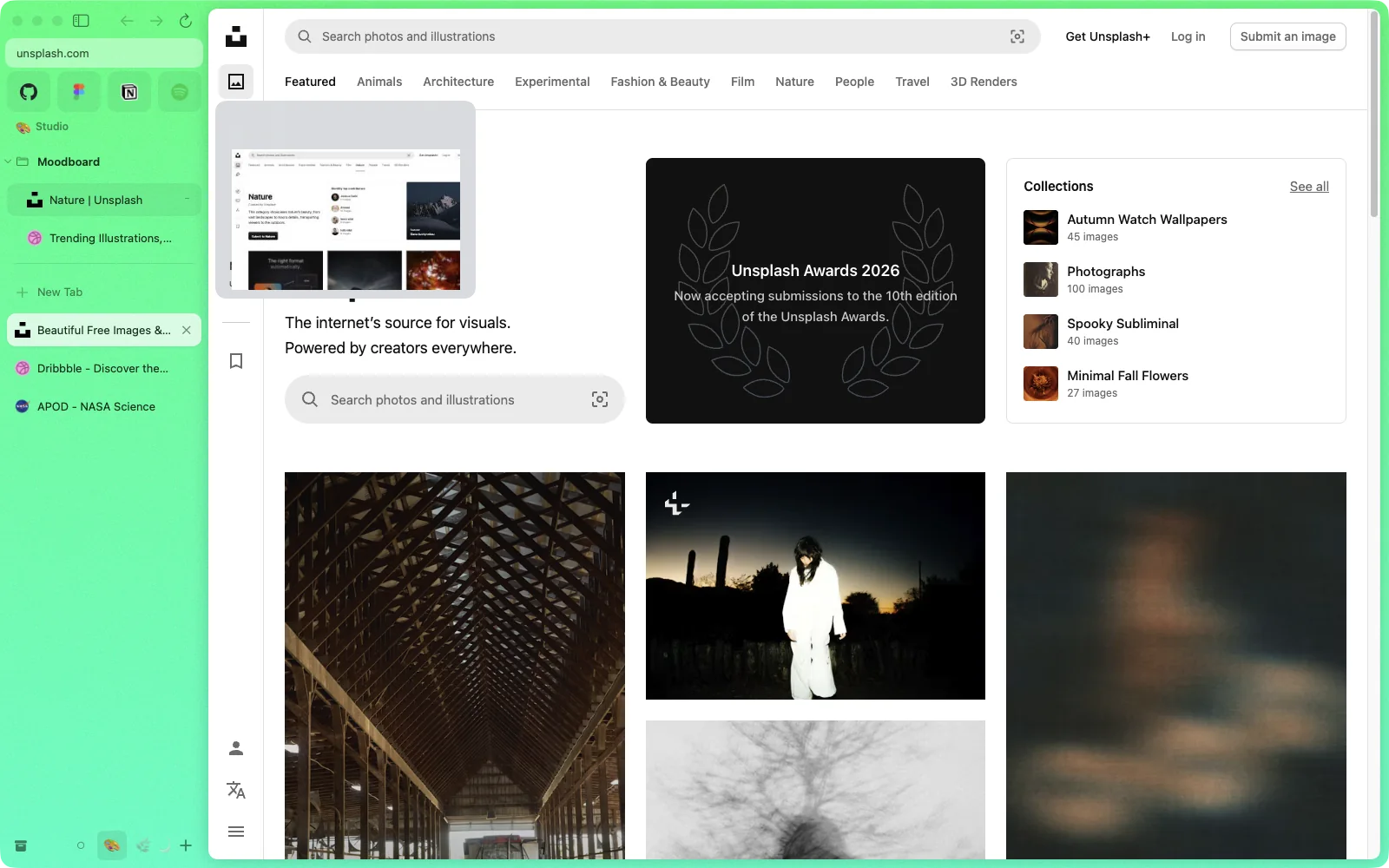
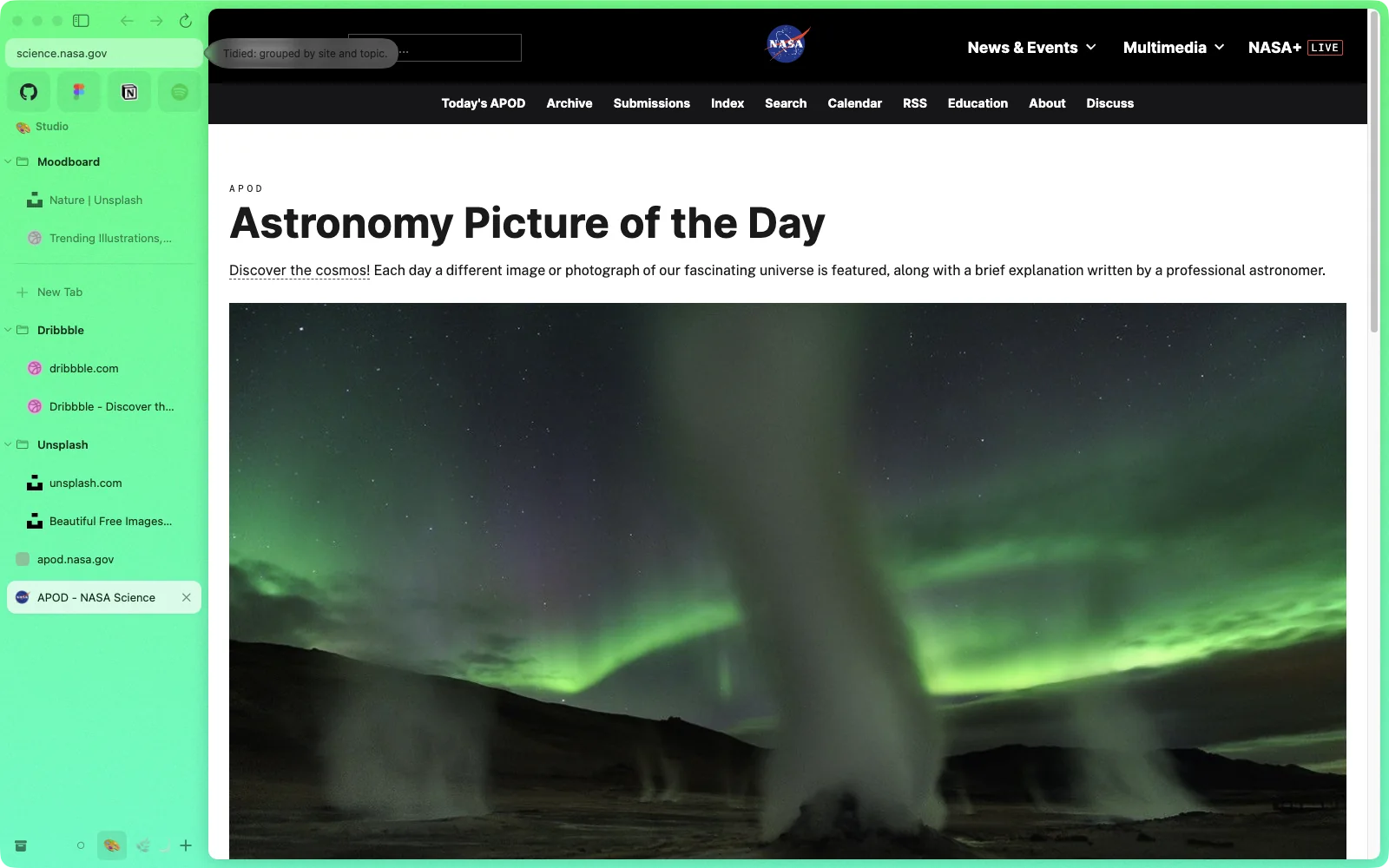
Favorites up top, pinned tabs in folders, and Today tabs that archive themselves overnight. Hover a tab for a live preview.
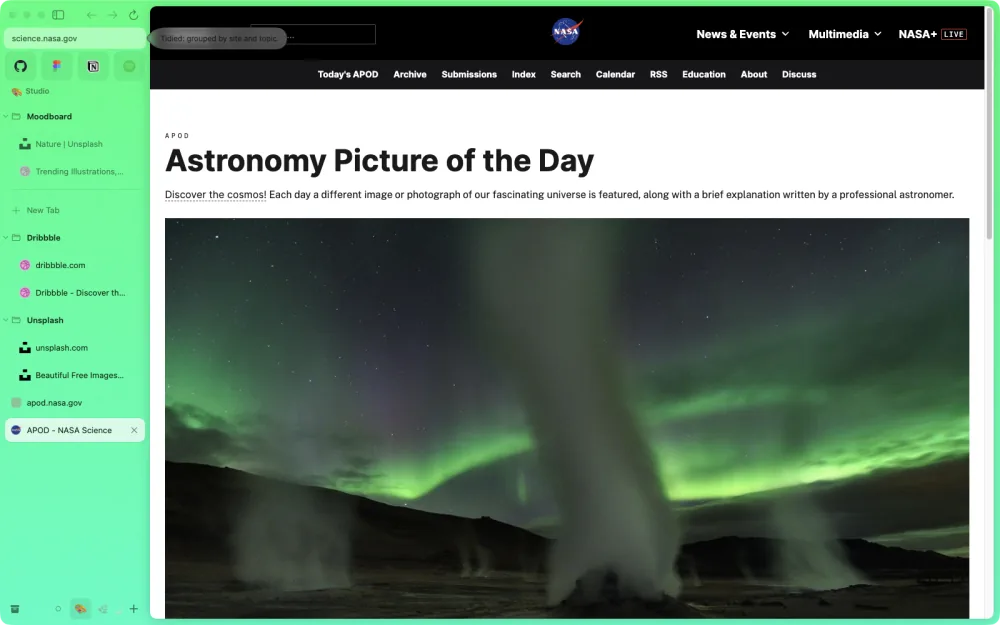
Press Tidy and Today sorts itself by site and subject, with a little sparkle.
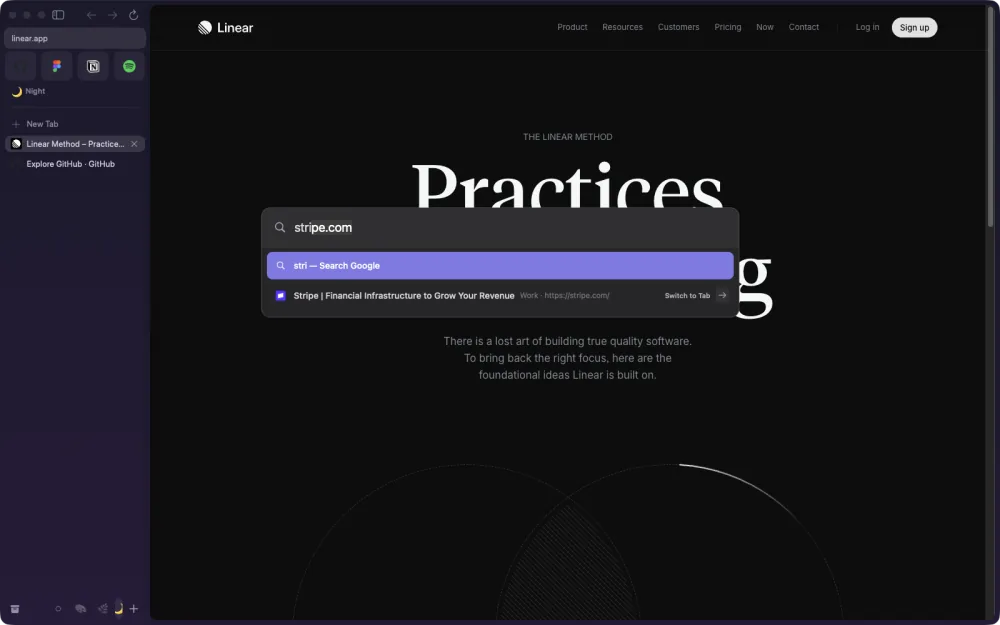
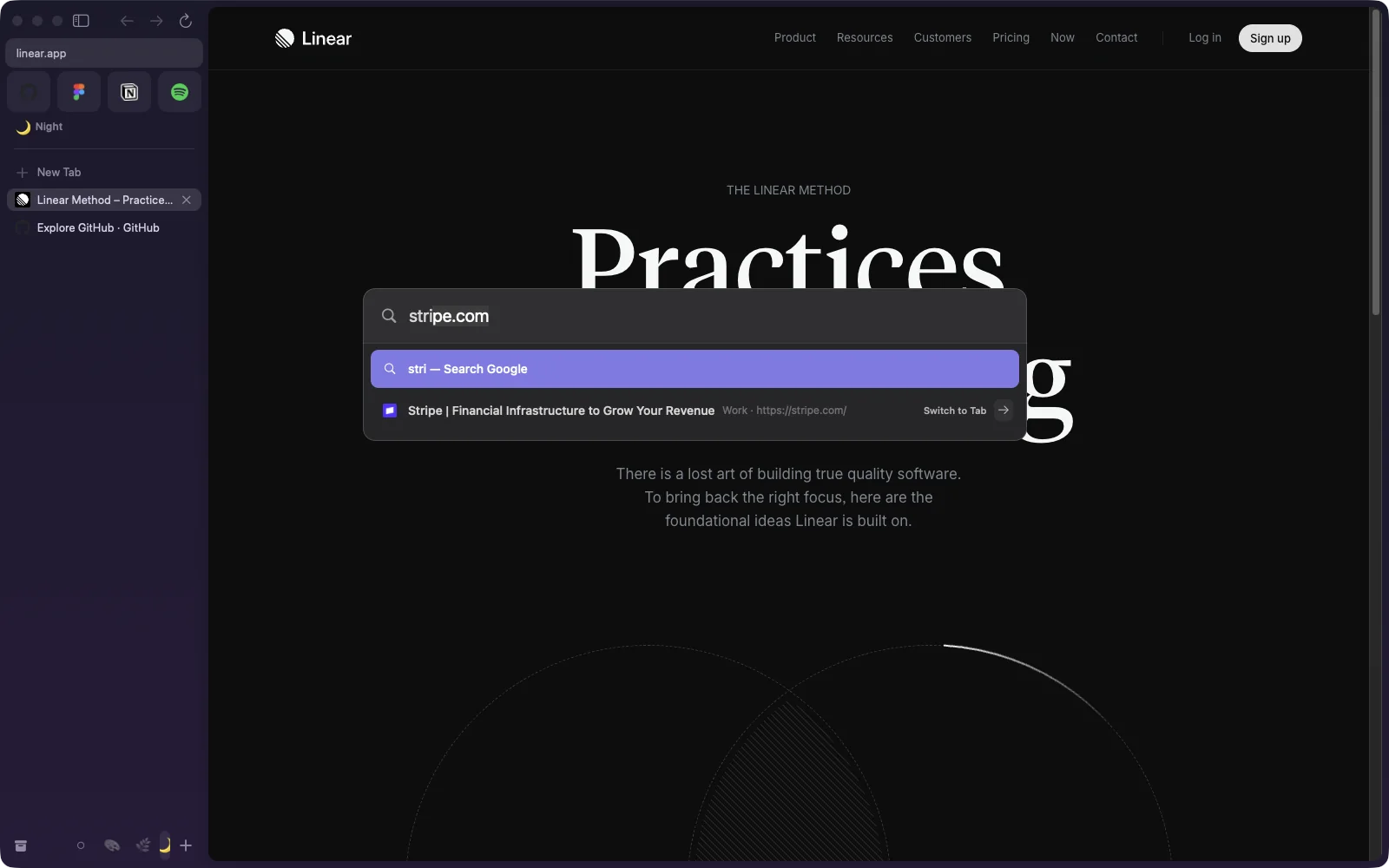
⌘T knows where everything is.
Addresses, searches, open tabs in any Space, your history and every command, in one field. It finishes the address as you type and does quick sums.
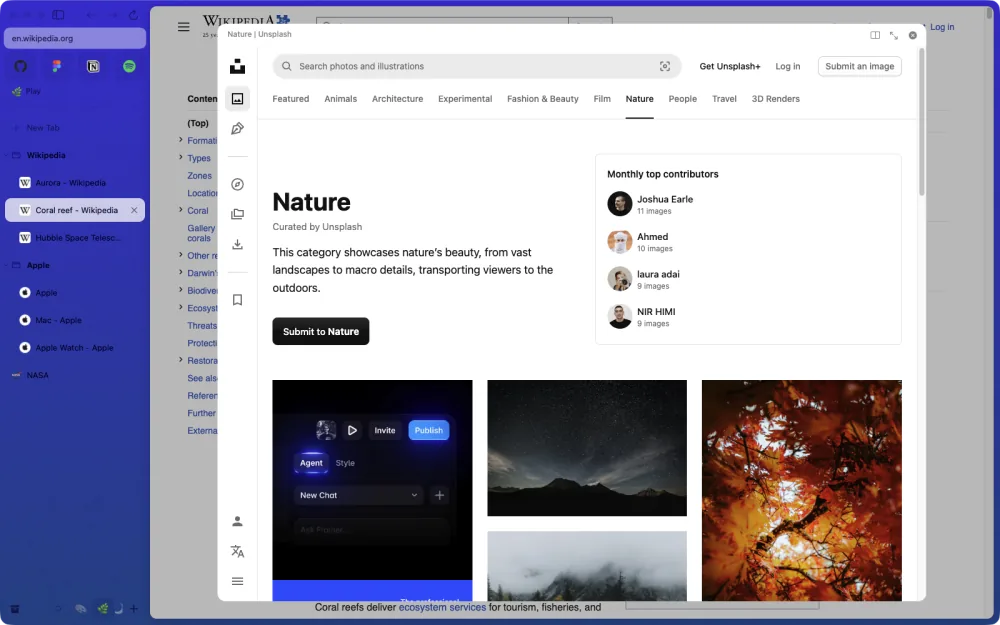
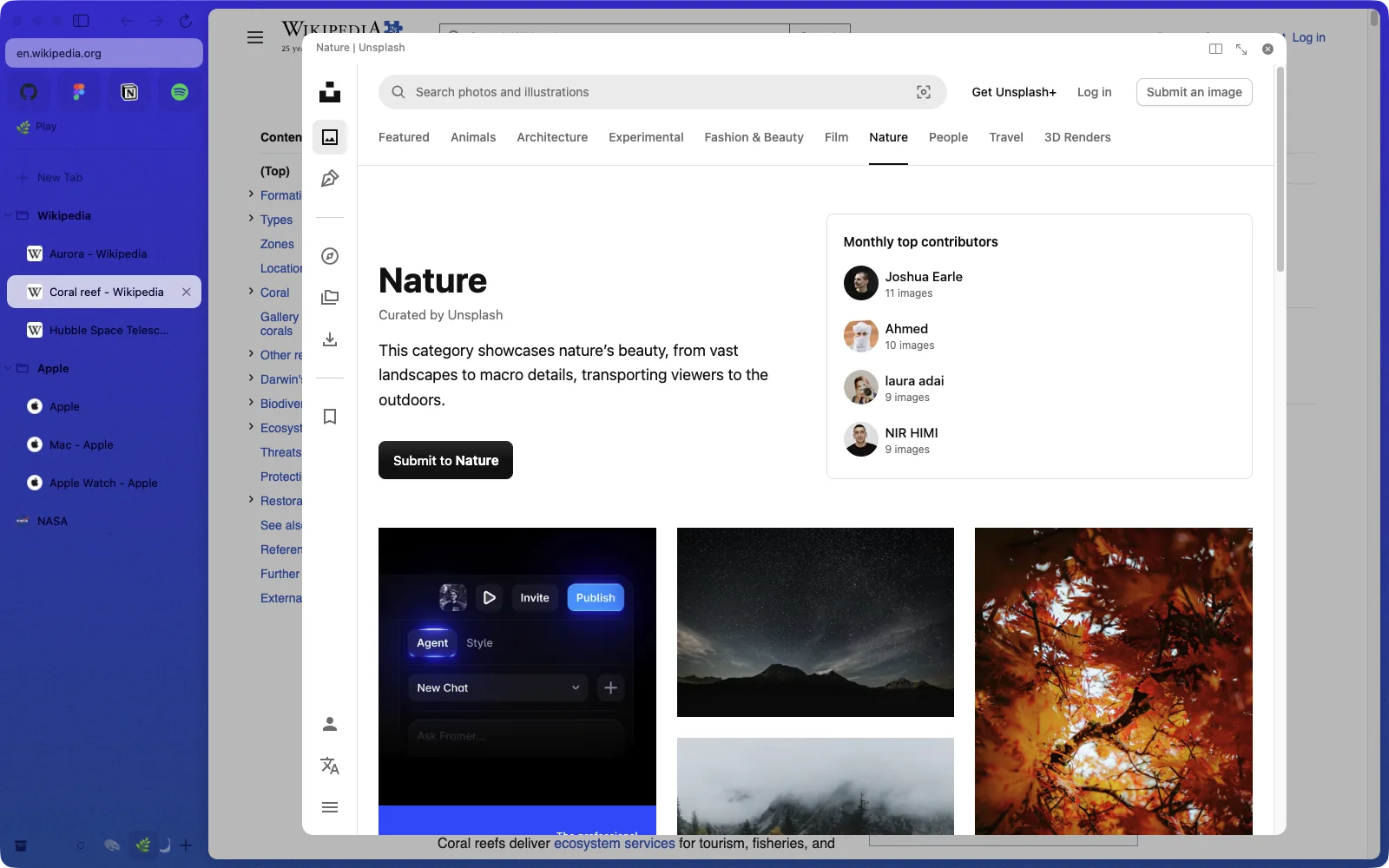
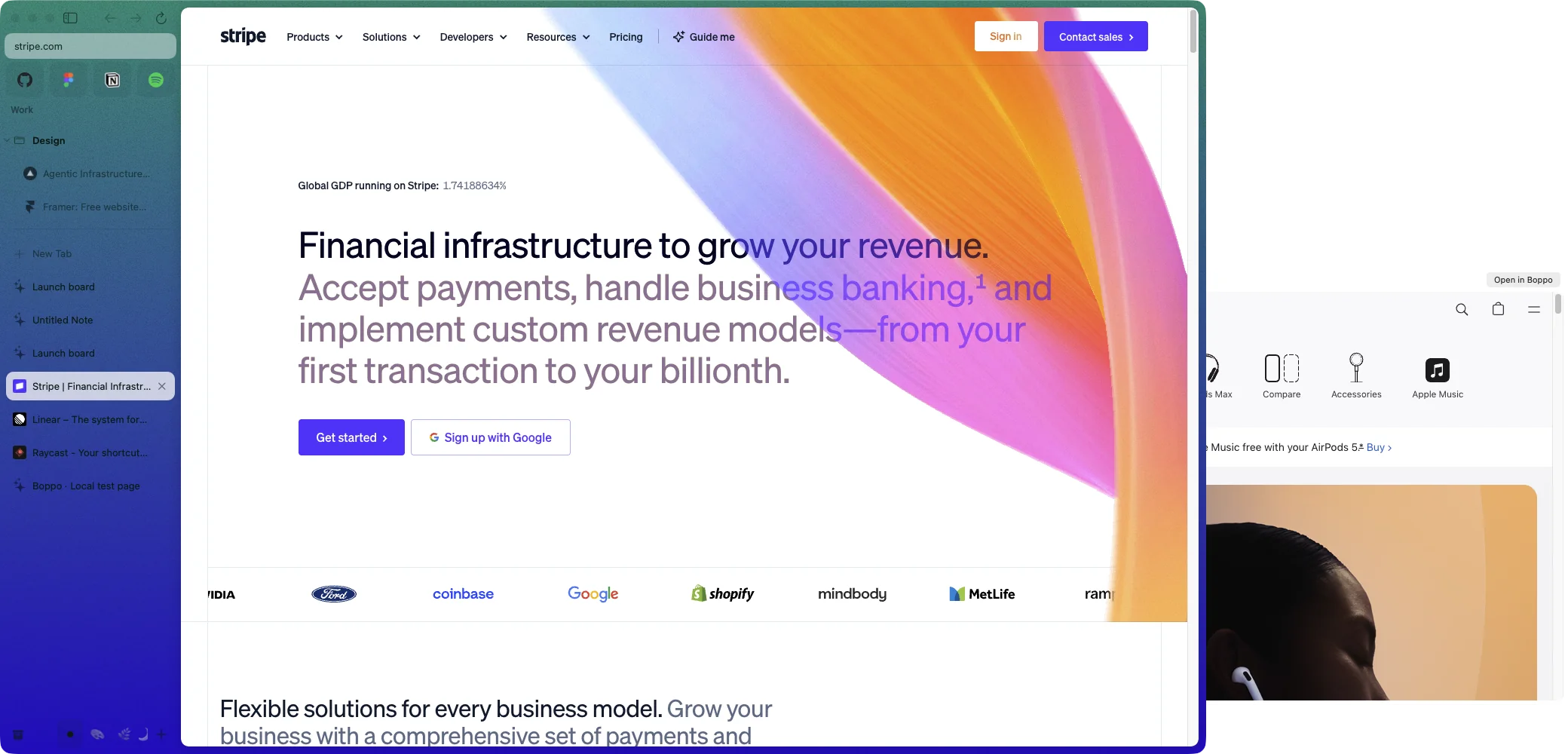
Peek at a link, or split the window.
Shift-click to preview a page without leaving yours.
Drag a tab onto the page to split it.
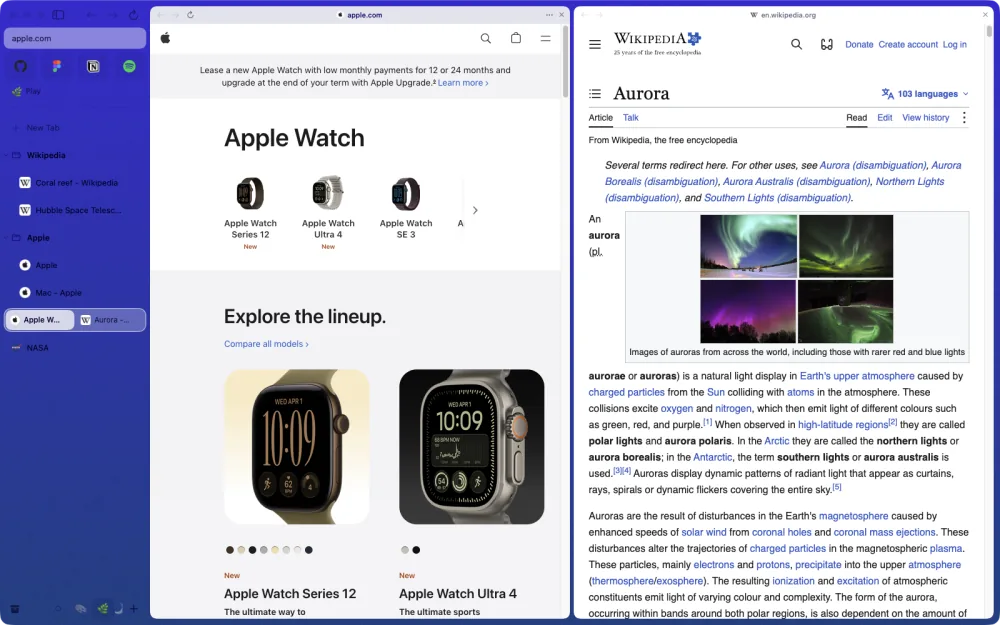
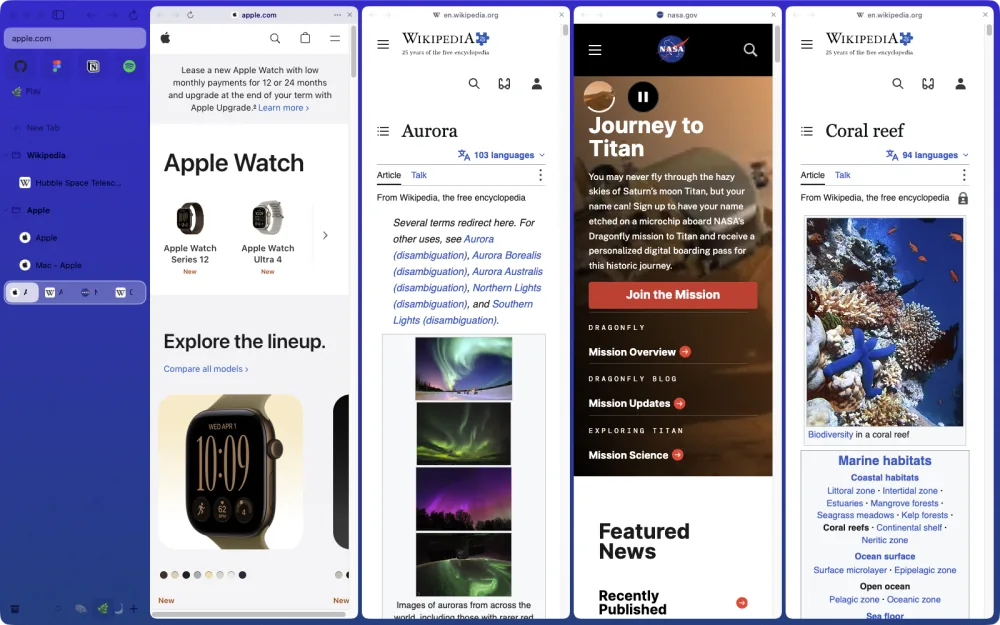
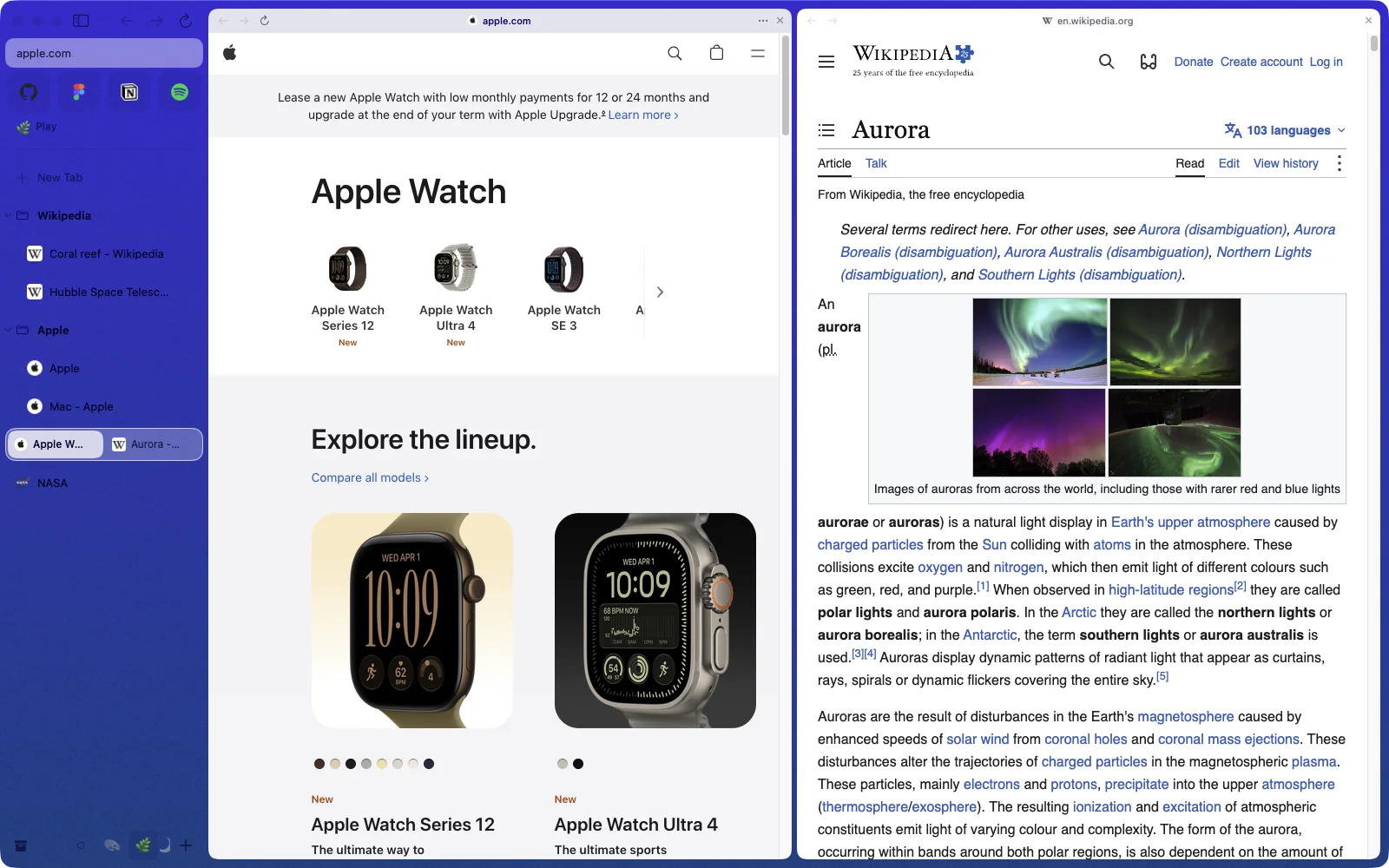
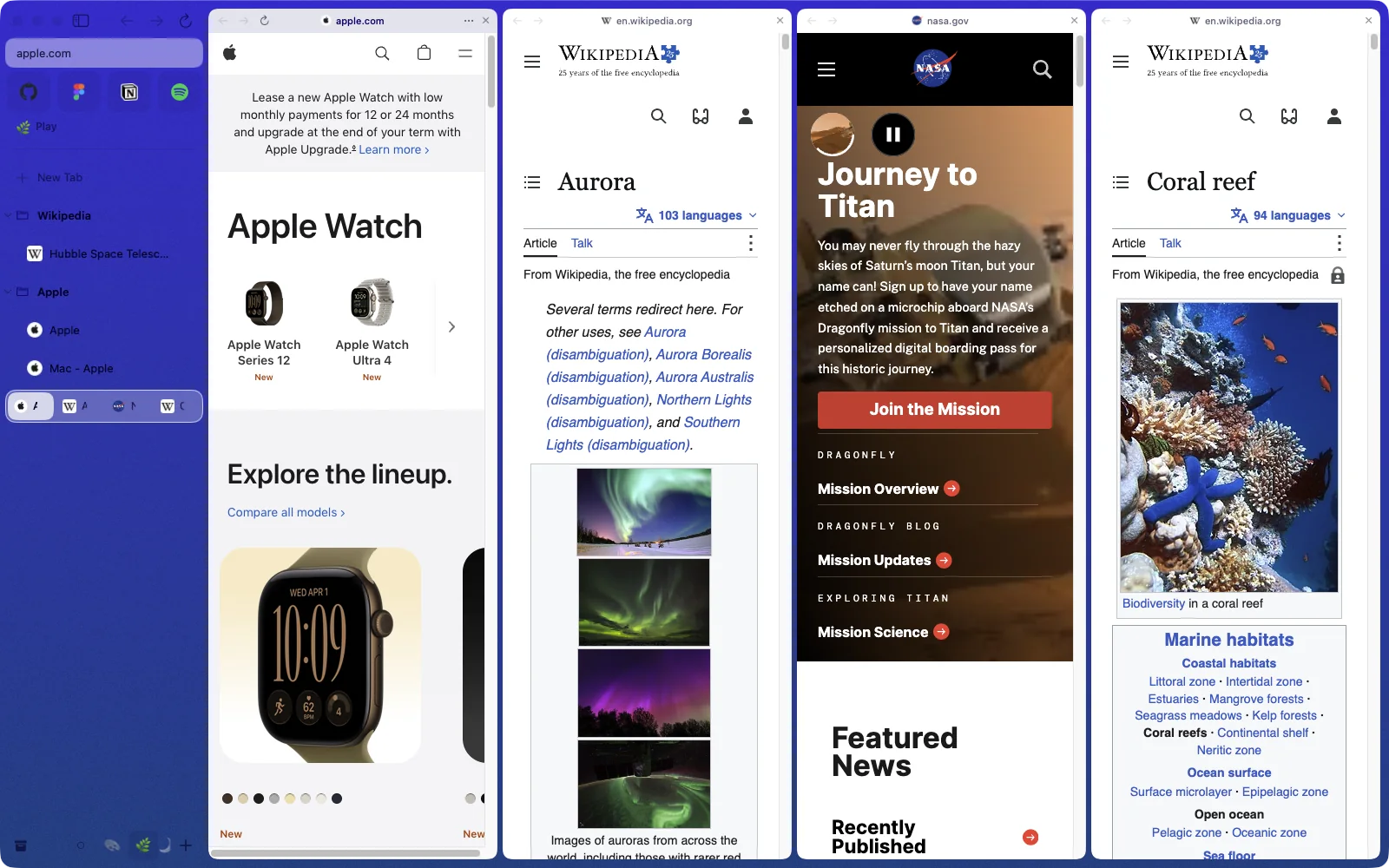
Keep going. Four sites, one window, each with its own back button.
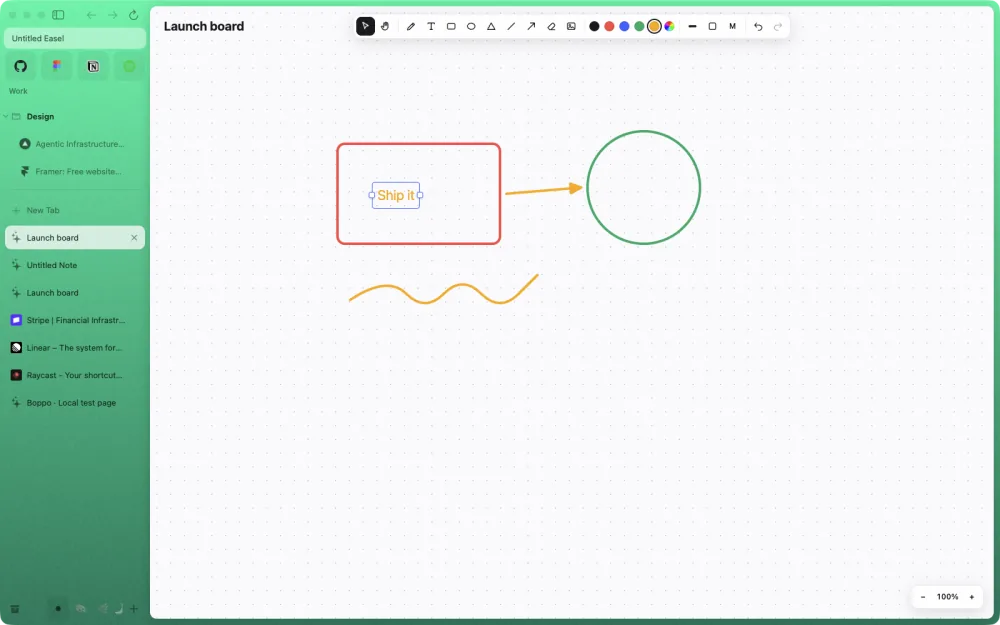
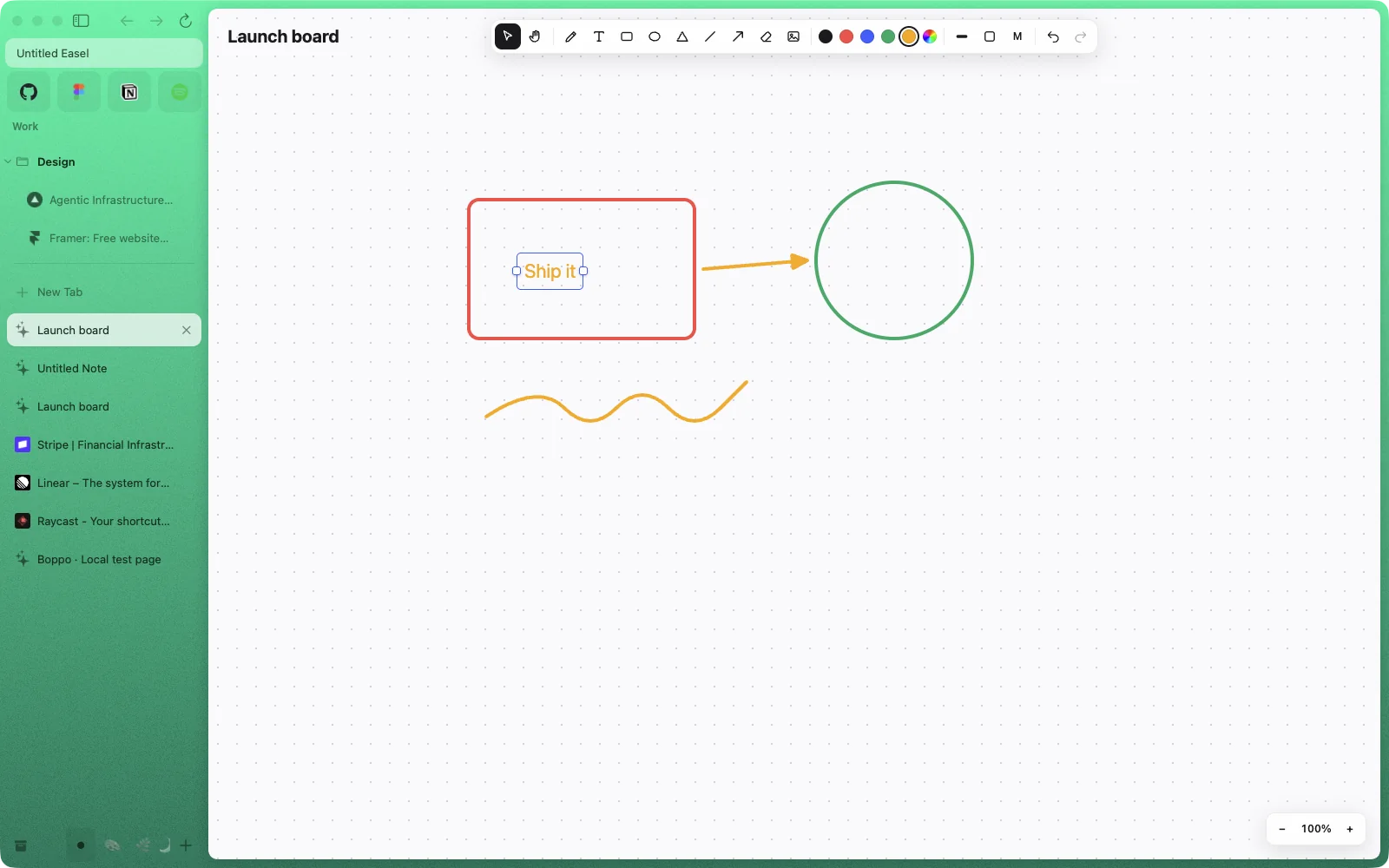
Easels and Notes, next to your tabs.
Sketch with shapes, arrows and ink, and capture any page onto the board.
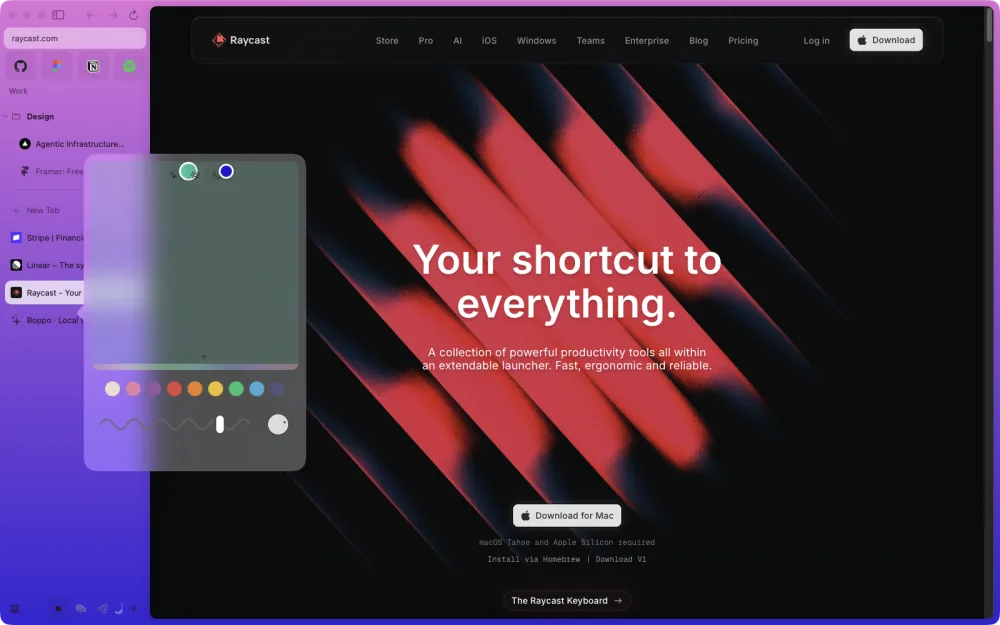
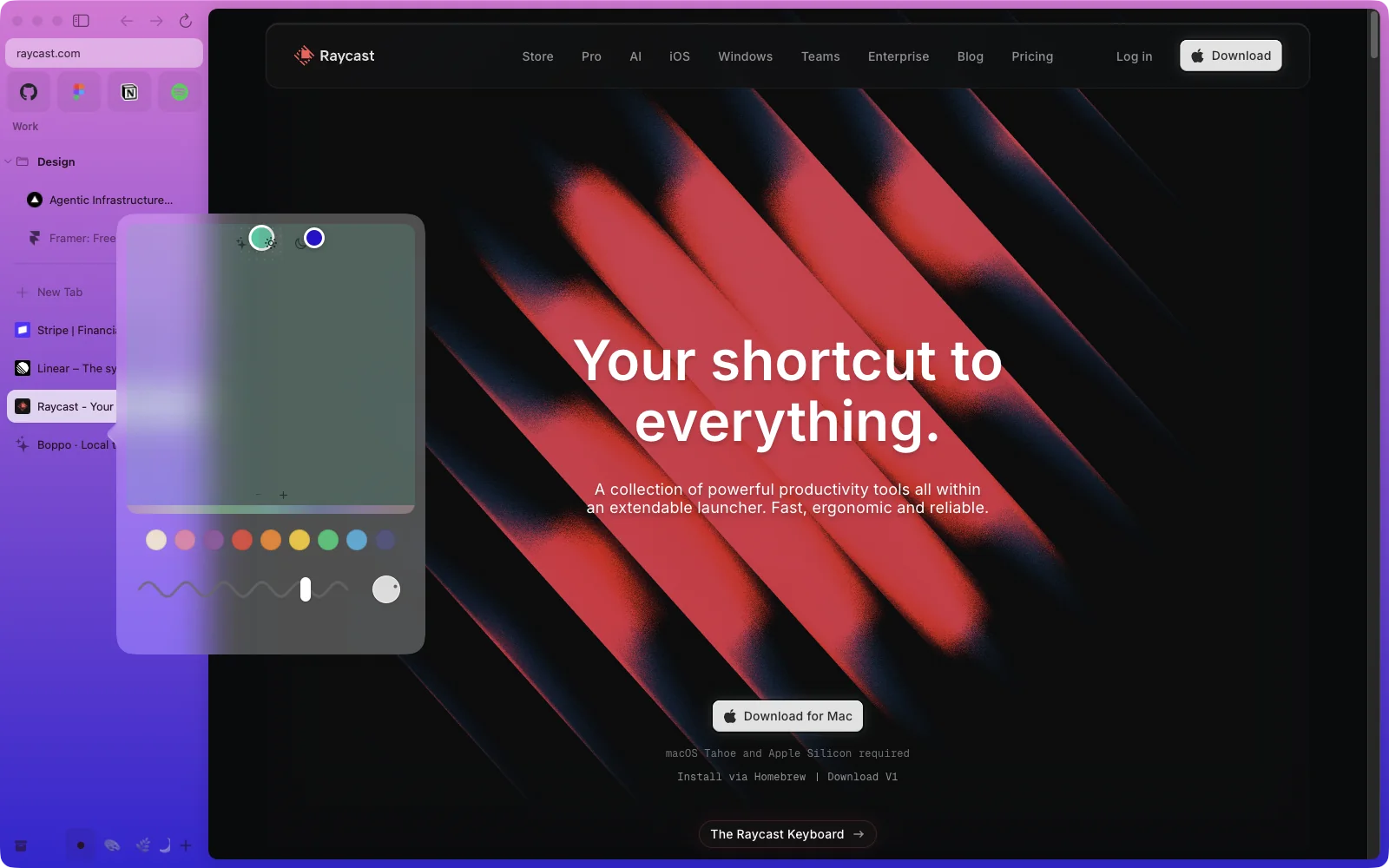
Paint every Space its own colors, with gradients and grain.
The little things, all there.
Links from other apps open in Little Boppo, a small window you can send to any Space.
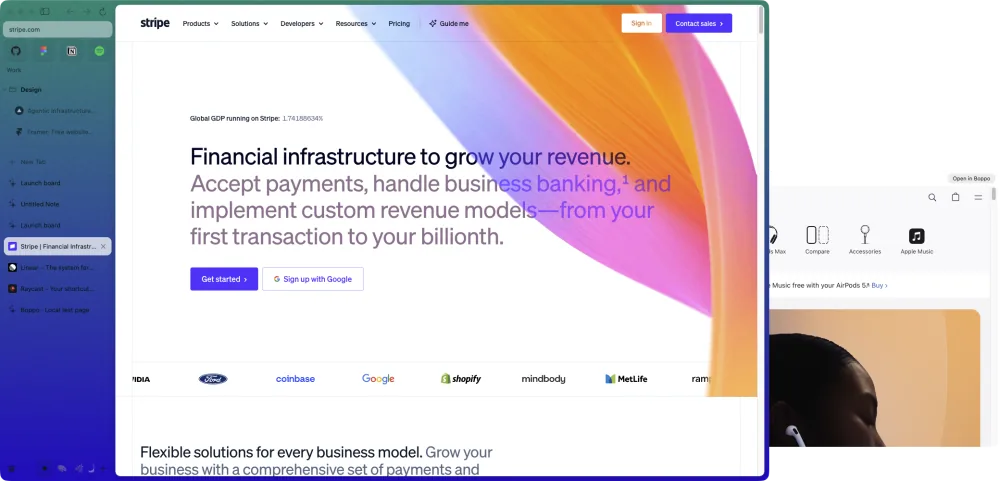
Videos float when you switch tabs.
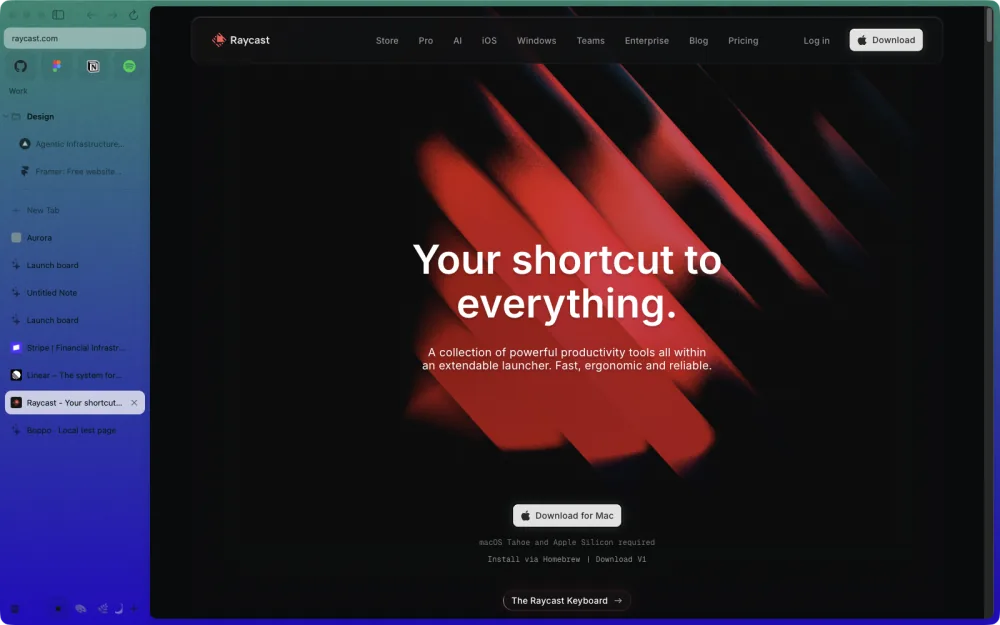
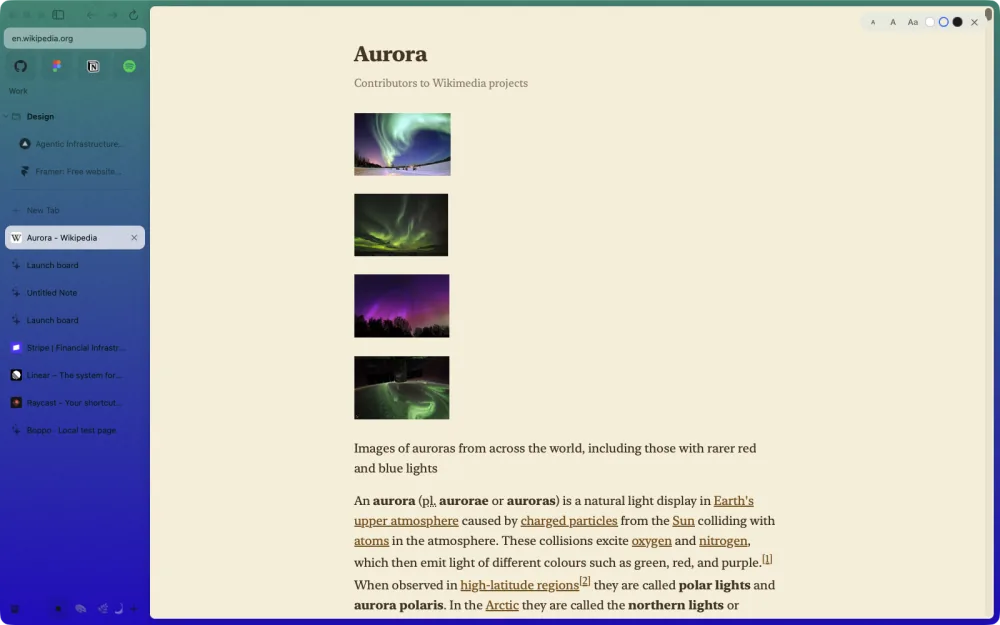
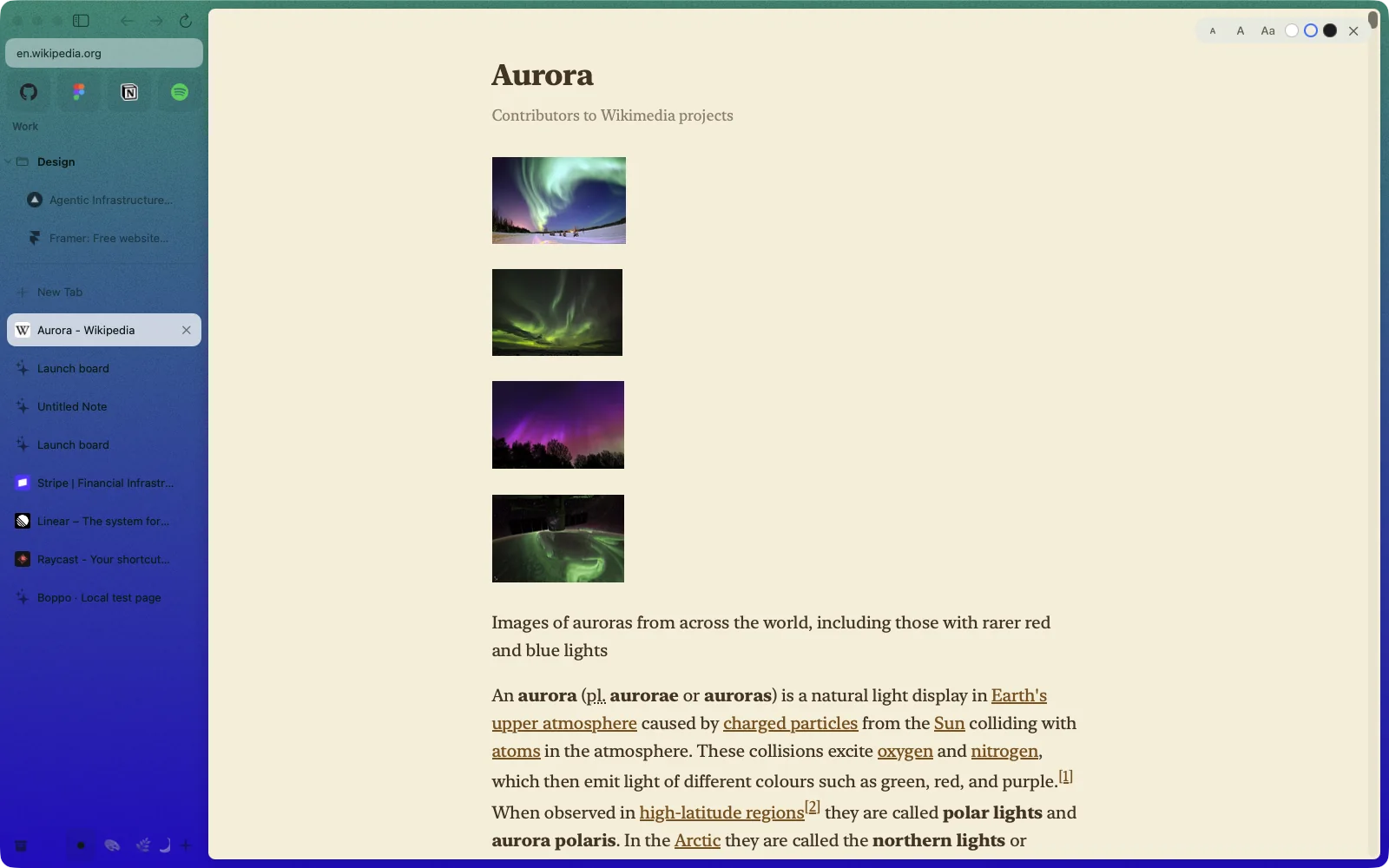
Reader View clears a page to text, in light, sepia or dark.
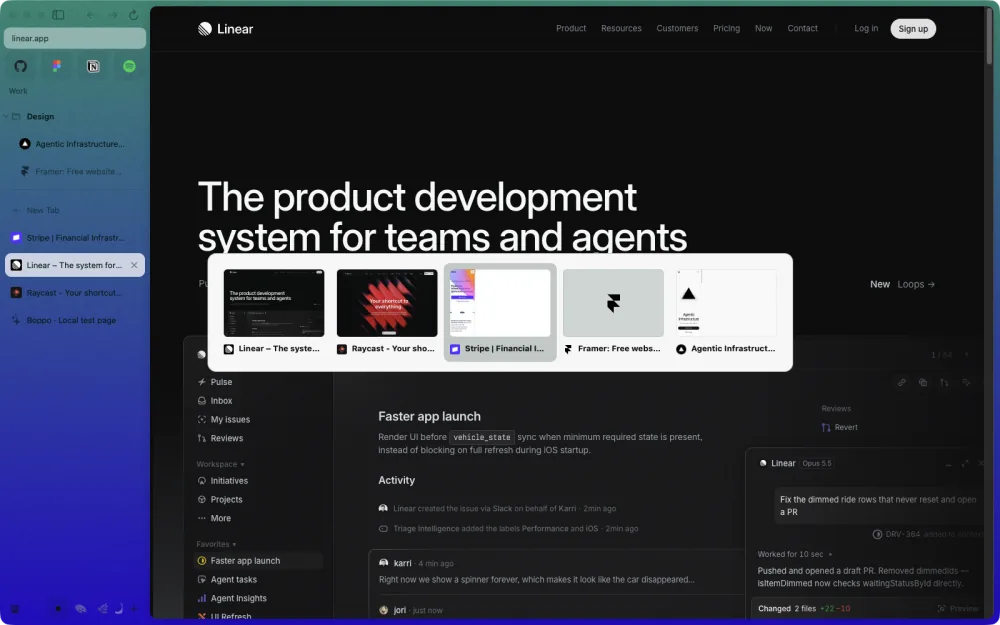
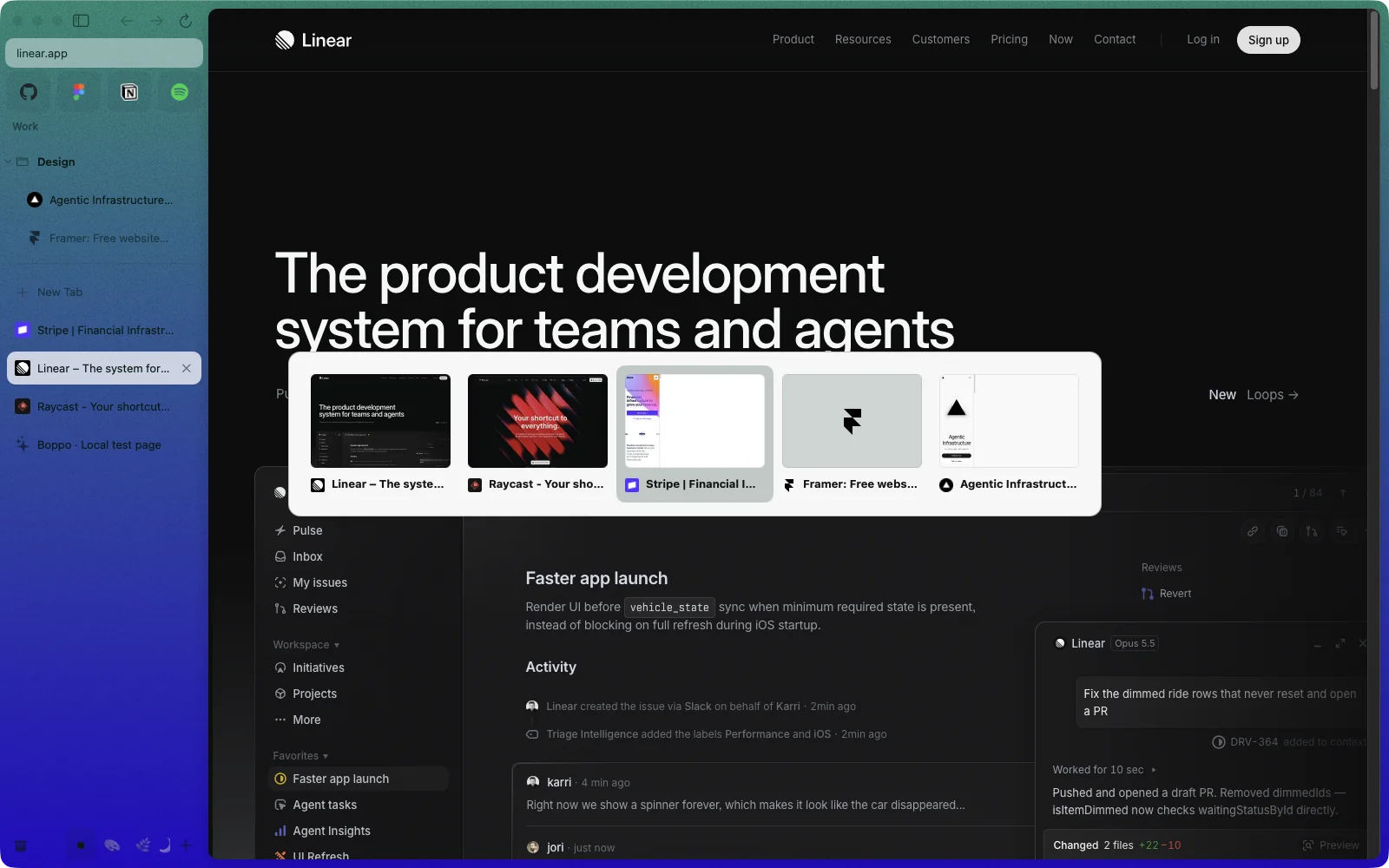
And ⌃Tab flips through your recent tabs.

Yours alone.
- No account. Open it and browse. There's nothing to sign up for.
- No telemetry, no server. Tabs, history and Spaces stay in a folder on your Mac.
- No AI unless you turn it on. Smart Tidy, the one exception, runs on Apple's on-device model.
- Safe Browsing without Google. Phishing and malware warnings from public community lists, checked on your Mac.
- Your extensions come along. Install Chrome extensions straight from the Web Store.
- A real Mac app. Native AppKit with Chromium inside, its logic written in Rust.
Chrome's engine, Safari's engine,
and their security teams.
Most of a browser's risk lives in its engine. Boppo's two are the ones inside Chrome and Safari, patched by Google's and Apple's security teams, and Boppo is built to get their fixes to you fast.
How a fix reaches you.
- Google fixes Chromium.
Chrome ships the fix, and the matching Chromium build for apps like Boppo follows soon after.
- Boppo picks it up within three hours.
A build job checks for a new Chromium every three hours, pins it and builds Boppo on it, ready to test.
- Boppo tests, signs and ships it.
The people building it run the full self-test on the new build, then ship a release signed with Boppo's key. Boppo refuses any update that's unsigned or tampered with.
- Boppo installs it for you.
It checks every four hours, downloads in the background and installs when you quit. On from the start.
What else keeps you safe.
- The sandbox stays on
- Chromium's sandbox runs web pages in locked-down processes, the same as in Chrome.
- Streaming runs in WebKit
- Netflix, Disney+ and Spotify open in Safari's engine, which Apple patches with macOS.
- No clicking past a bad certificate
- A broken or forged certificate stops the page. There's no "proceed anyway".
- Profiles never mix
- Each profile keeps its own cookies, storage and history. Private windows leave nothing behind.
- Rust at the core
- Boppo's address checks, settings and sessions are written in Rust, which rules out whole classes of memory bugs there.
- Tested end to end
- Scripted checks drive the real app, including checks that hand it a tampered update or a corrupted session and expect it to refuse or recover.
Seven days of building,
and a test for every feature.
93 features, each with its own test. 7 days, Oct 24 to 30. 181 commits. And 0 accounts to make.
All features.
Features marked have a quick demo. Hover or click one to watch it.Tap one to watch it.
Questions.
Which Macs does it run on?
Apple Silicon Macs on macOS 13 or later.
Do I need an account?
No. There's no account and no server: everything stays on your Mac.
Is a browser this new safe to use?
Its engines are Chromium and WebKit, the same code as Chrome and Safari, fixed by Google's and Apple's security teams. Boppo checks for each new Chromium build every three hours, and once a release is out, it updates itself. It's still an alpha, and it hasn't had an outside security review yet.
Is there AI in it?
Only if you ask. Smart Tidy uses Apple's on-device model; plain Tidy sorts by site and title words without any AI.
Do my Chrome extensions work?
Boppo installs extensions straight from the Chrome Web Store.
Can I bring my Arc tabs over?
Not yet. Import from Arc and other browsers is on the list.
When can I download it?
Alpha testers come first. A signed public release comes after.
Want in?
Boppo is in private alpha. Leave your email and the request goes straight to the people building it.
Follow along: links are on their way.